I’ve been trying to get Framework7 to work with @sveltejs/vite-plugin-svelte instead of rollup-plugin-svelte (which is what the kitchen-sink uses here)
Why do I need a different plugin?
I don’t, I just need typescript to work in my project, and rollup-plugin-svelte doesn’t come with typescript by default, @sveltejs/vite-plugin-svelte does and it’s what the official vite svelte template uses (you can check it out here).
What’s wrong?
The project compiles without errors, but there’s a runtime error that looks like this in dev mode (I’m running npm run dev from the vite official template):
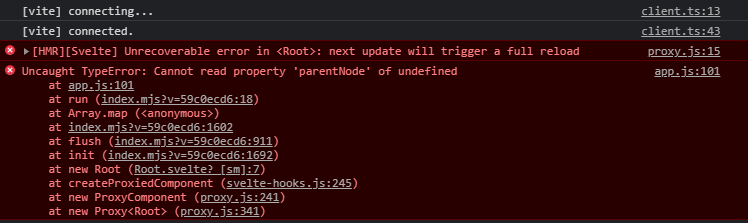
proxy.js handles error logging for vite, meanwhile app.js is a framework7 file, the app component.
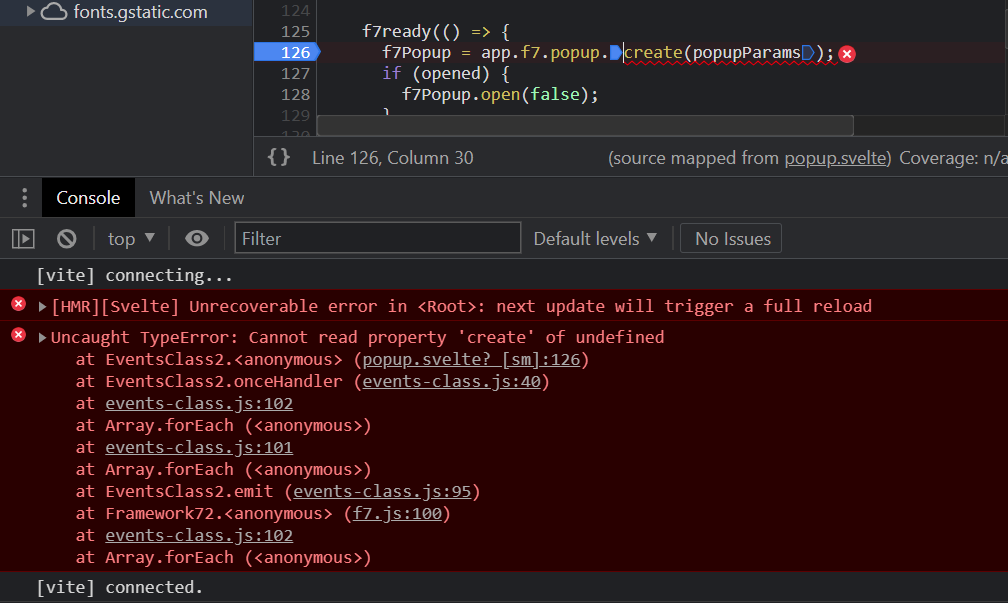
This is the piece of code the client (google chrome) is complaining about:
Debugging it, it looks like el is undefined
What are my scripts and markup?
This is the entire app I’m trying to run in dev mode:
main.ts
import Framework7 from 'framework7';
import Framework7Svelte from "framework7-svelte";
import Root from './Root.svelte'


import 'framework7/framework7-bundle.css';

Framework7.use(Framework7Svelte);


const app = new Root({
  target: document.getElementById("app")
})

export default app
Root.svelte
<App
    name='MyApp'
    theme='auto'
    id='com.website'
    statusbar={{
        iosOverlaysWebView: true,
        androidOverlaysWebView: false,
    }}
>
    <Button>hello</Button>

</App>

<script lang="ts">
import { App,Button } from 'framework7-svelte';
</script>
And this is what it looks like:

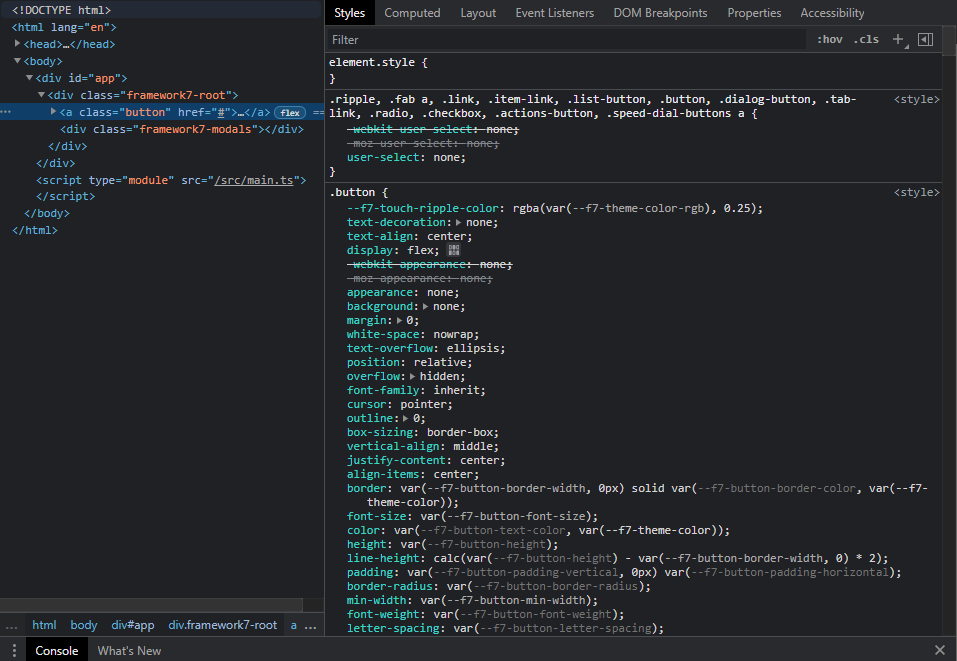
The animations of the button are missing.
The css doesn’t seem to miss if I inspect the page:
The weirdest part is that if I build the project (npm run build) instead developing it (npm run dev) the build works fine, here’s the result of the building process:

I tried serving it from both apache and the vite web server npm run serve, and they both work.
I’m honestly out of ideas.
Does anyone have any experience with Vite and this type of situations or do you have any ideas how I could fix this?
I published the project under this repo: GitHub - tncrazvan/vite2-svelte-framework7-problems: dev mode produces runtime errors
Steps to recreate errors
npm inpm run dev