I just had my android (redmi note 10s) fixed and did testing for my app ive been working on. I installed it and i saw a gap or space above the navbar and below toolbar… So i thought maybe it could be conflict with codes…
so i created an default app for testing and this is how it looks likes.
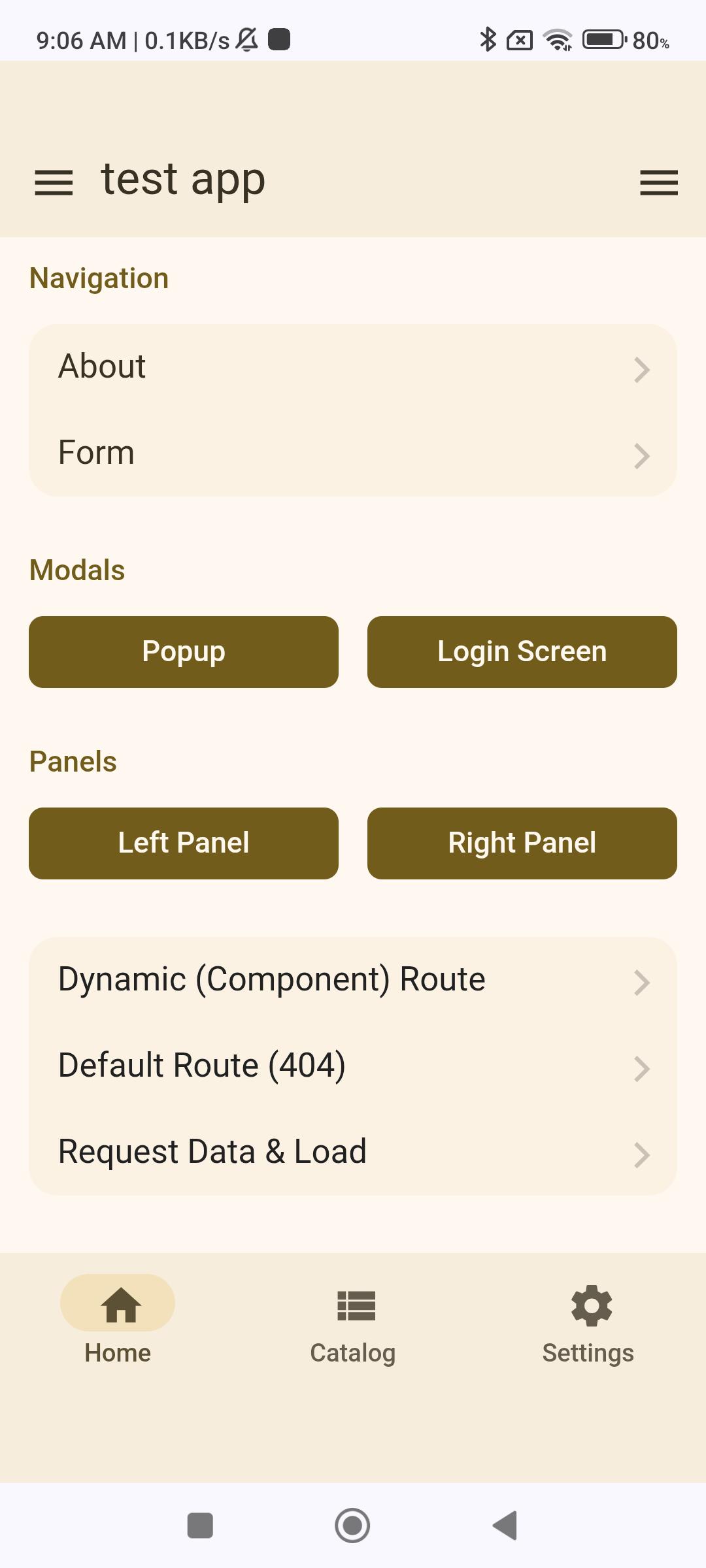
how to resolve this. for now ill fixed on my own and/or using chatgpt/or gemini.
thank you…
JUST UPDATE:
I fixed it.
just put these codes
:root {
–f7-safe-area-top: 0px;
–f7-safe-area-bottom: 0px;
}
.safe-areas {
padding-top: 0 !important;
padding-bottom: 0 !important;
}